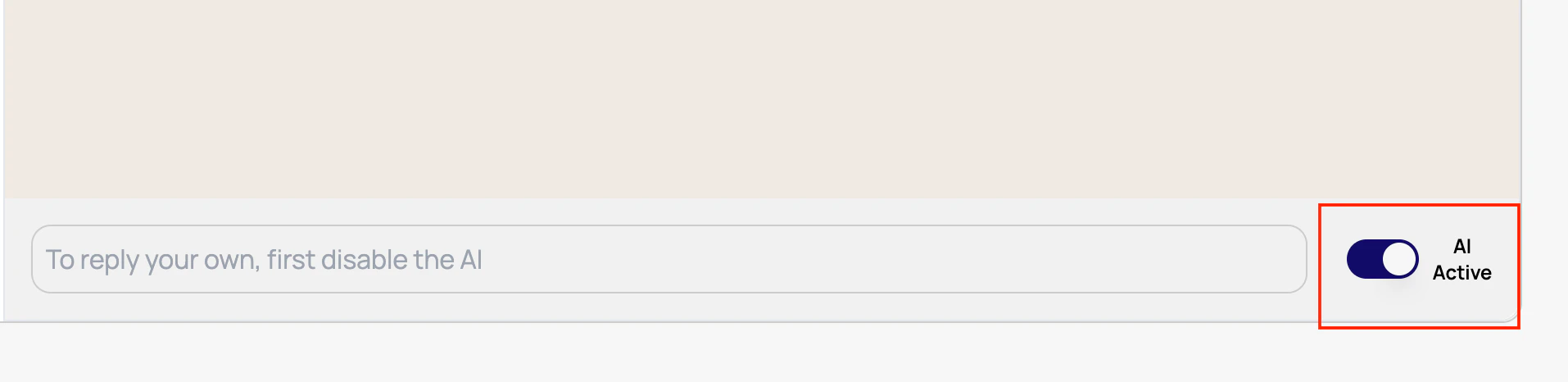
If you wish to disable AI in a specific conversation and respond manually, simply open the conversation and click on the button next to AI Active:Documentation Index
Fetch the complete documentation index at: https://docs.textyess.com/llms.txt
Use this file to discover all available pages before exploring further.